What’s New in Decide: Expert Agent, Credits, Task Summary, and Profile
By Product Team

This update makes Decide more task-focused, fairer to use, and easier to understand.
This release includes:
- Expert Agent for deeper spreadsheet and data work
- Credit-based usage that reflects task complexity
- Task Summary after every completed task
- A new Profile page for usage and activity insights
- Cleaner mobile task controls
- Clearer “New Task” workflow language
Expert Agent
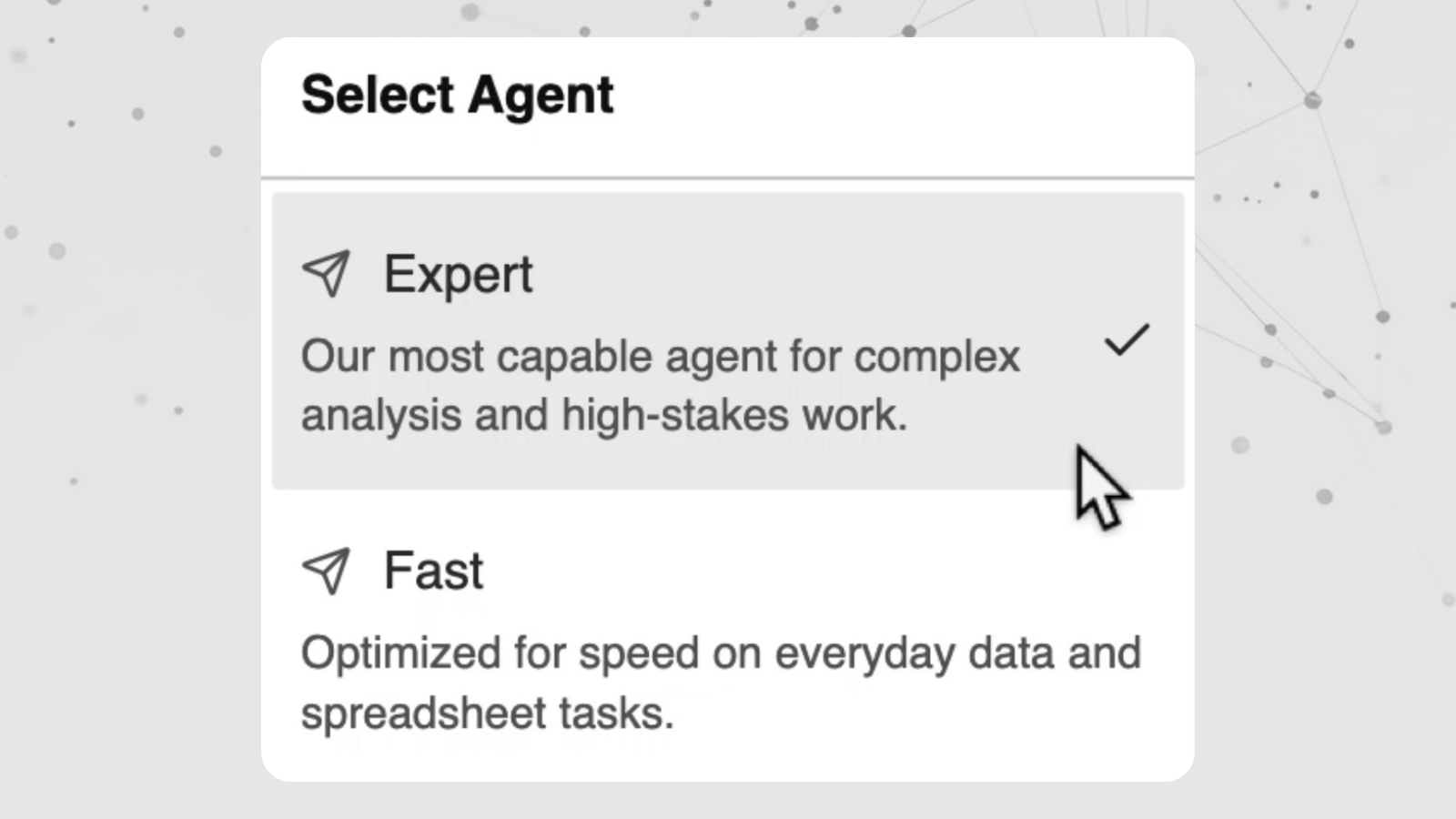 Expert Agent selection in Decide
Expert Agent is Decide’s most capable agent for complex spreadsheet and data analysis. Use it when you are working on large files, financial models, multi-step analysis, forecasts, reports, or high-stakes decisions that need deeper reasoning.
Fast is still available for everyday tasks, quick answers, cleaning data, generating formulas, and simpler spreadsheet work. The choice is simple: use Fast when speed matters, and Expert Agent when depth matters.
Credit-Based Usage
 Credit-based usage and activity stats in Decide
Decide now uses credits instead of flat message counts. This makes usage fairer because not every task requires the same amount of work.
A quick formula, summary, or small cleanup should not be treated the same as analyzing a large spreadsheet or running a complex workflow. Credit usage now reflects the complexity of the task.
Task Summary
Task Summary details in Decide
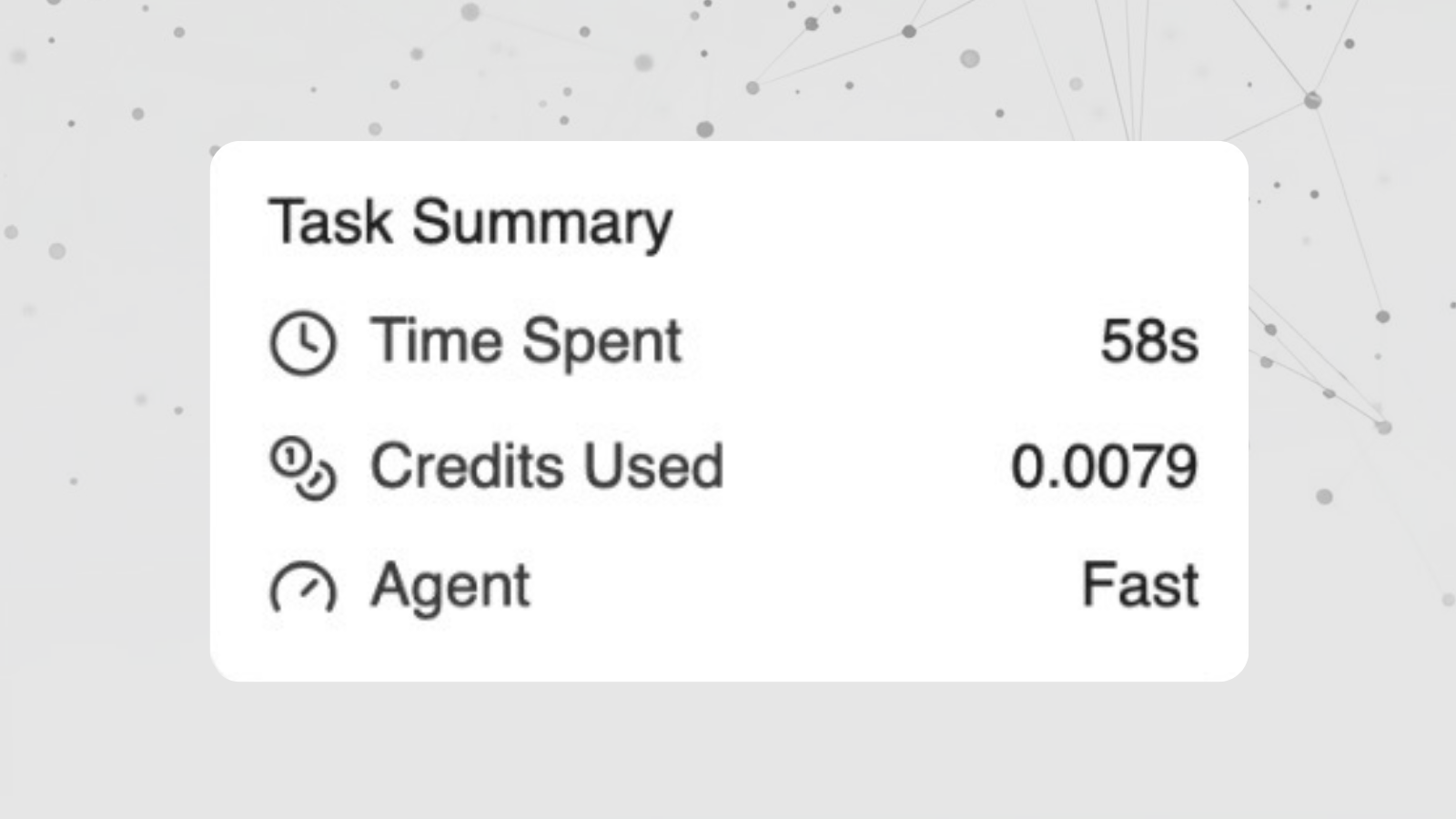
After a task finishes, Decide now shows a Task Summary with useful details like time spent, credits used, and whether Fast or Expert Agent handled the task.
This gives you more visibility into what happened behind the scenes and helps you understand how your credits are being used.
Profile
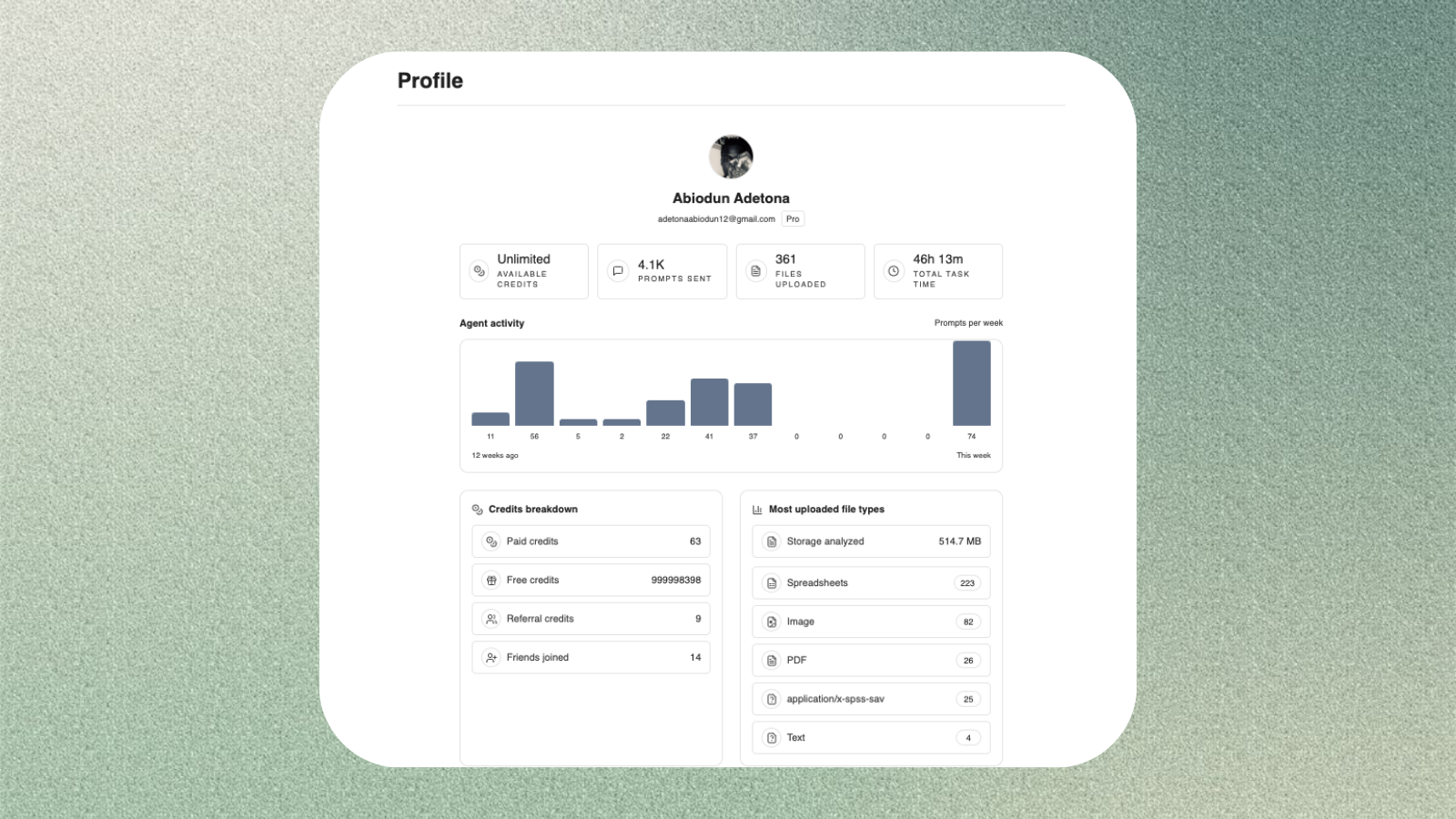 Profile activity and usage insights in Decide
The new Profile page gives you a clearer view of your Decide activity in one place. You can see your available credits, task activity, uploaded files, and usage stats.
This makes it easier to understand how much work you have done in Decide and how your account is being used over time.
Cleaner Mobile Controls
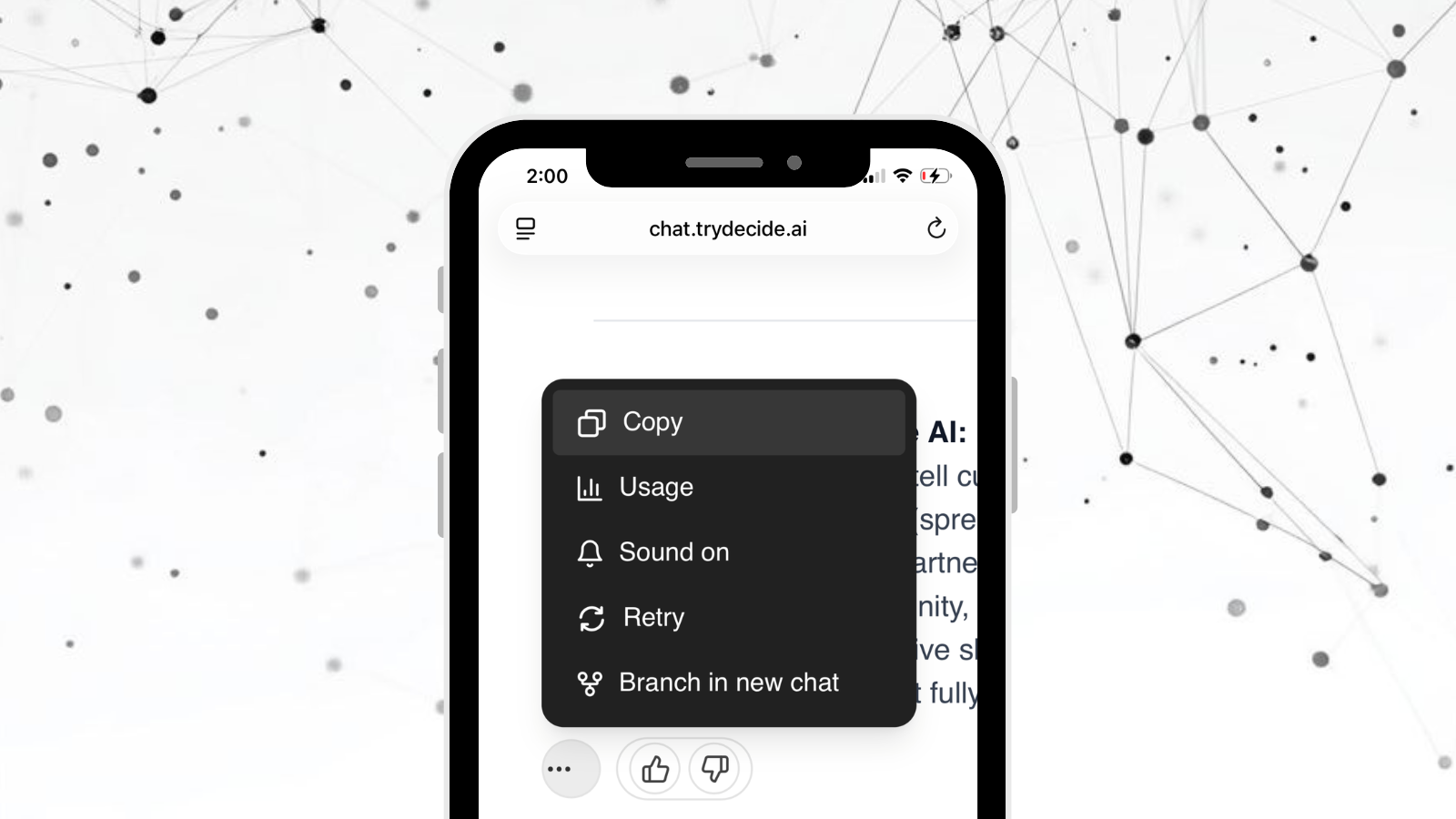 Cleaner mobile task controls in Decide
Completed-task actions are now cleaner and easier to use on mobile. Extra actions are grouped into a compact menu, so the interface feels less crowded while keeping the same functionality available.
New Task Language
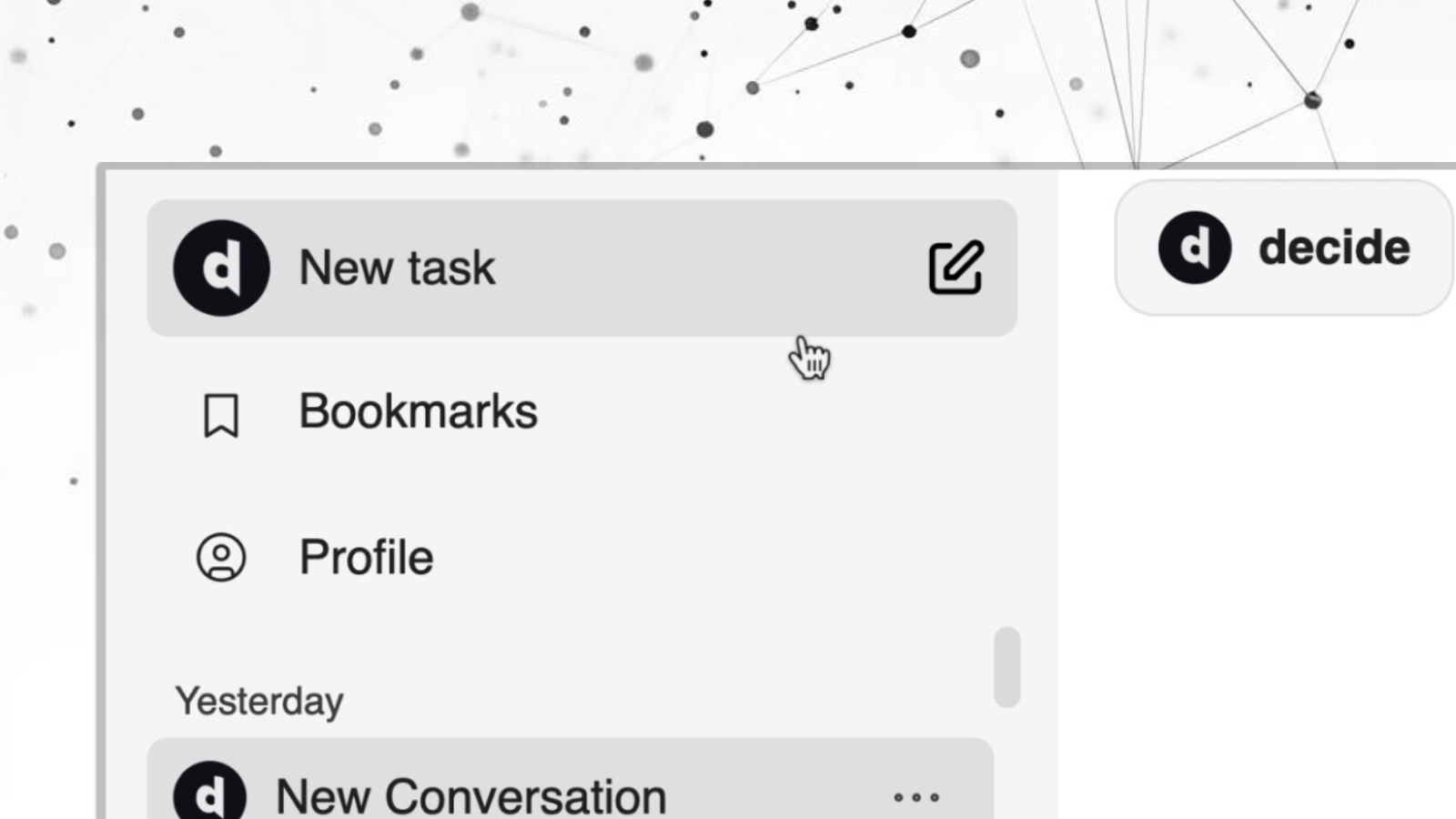 New Task workflow language in Decide
We now call new work a “task” instead of a “chat.” Decide is built for getting spreadsheet and data work done, so the product language now better matches how people actually use it.