Decide Documentation
Decide for Google Sheets
Use Decide directly inside Google Sheets to clean, analyze, update, and explain spreadsheet work without leaving your sheet.
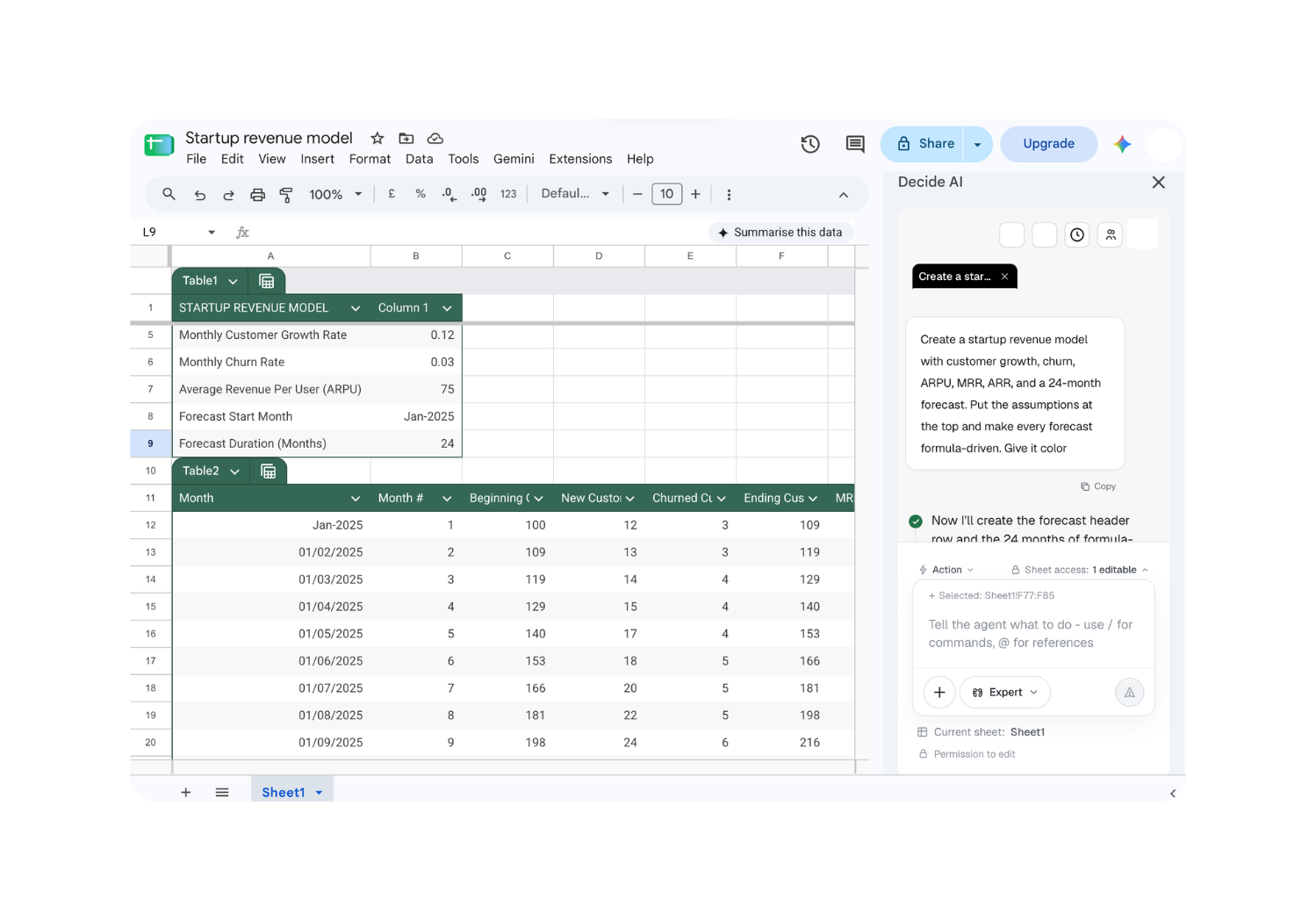
Install Decide for Google Sheets
Install the add-on from Google Workspace Marketplace, then open Decide from Google Sheets whenever you need help with the sheet in front of you.
- 1
Open Google Workspace Marketplace
Go to the Decide listing and select Install.
- 2
Allow access
Choose the Google account and approve the permissions needed to work with your sheets.
- 3
Open Decide in Google Sheets
Open a sheet, launch Decide from Extensions, and select the sheet or range you want to work with.
Features
Everywhere you work
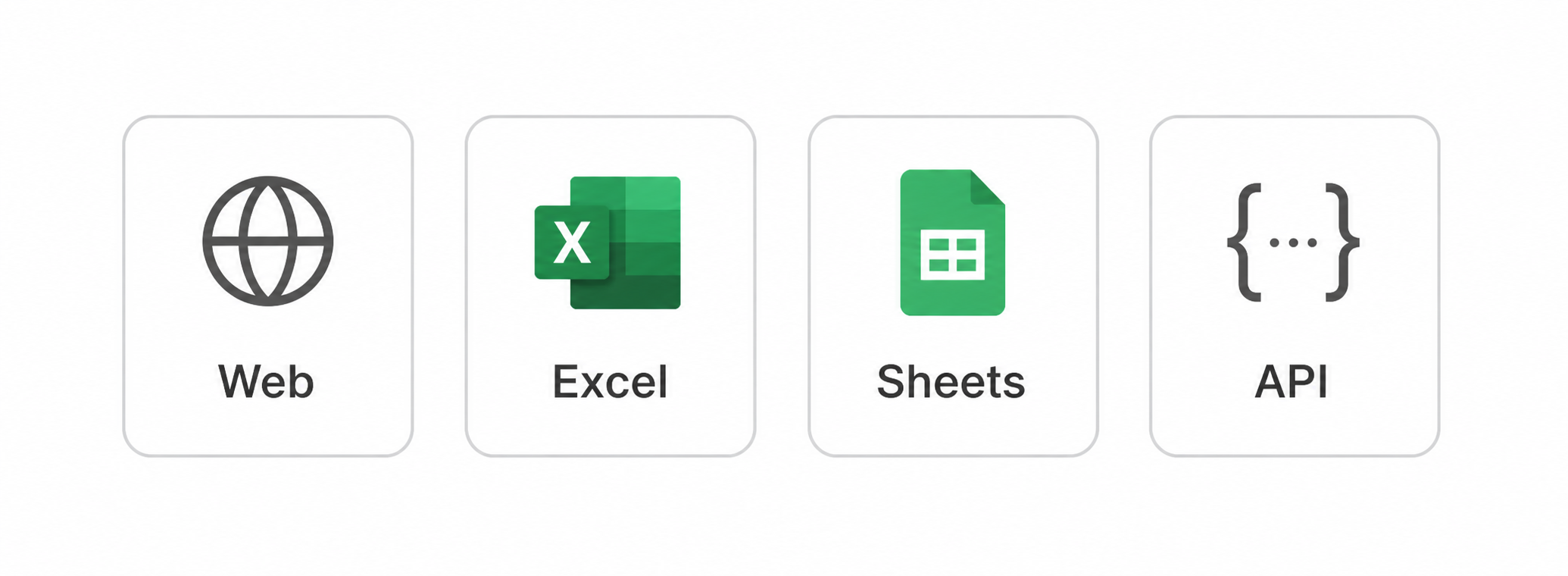
Continue the same workspace across the web, Excel, Google Sheets, and API workflows.
DAX-1
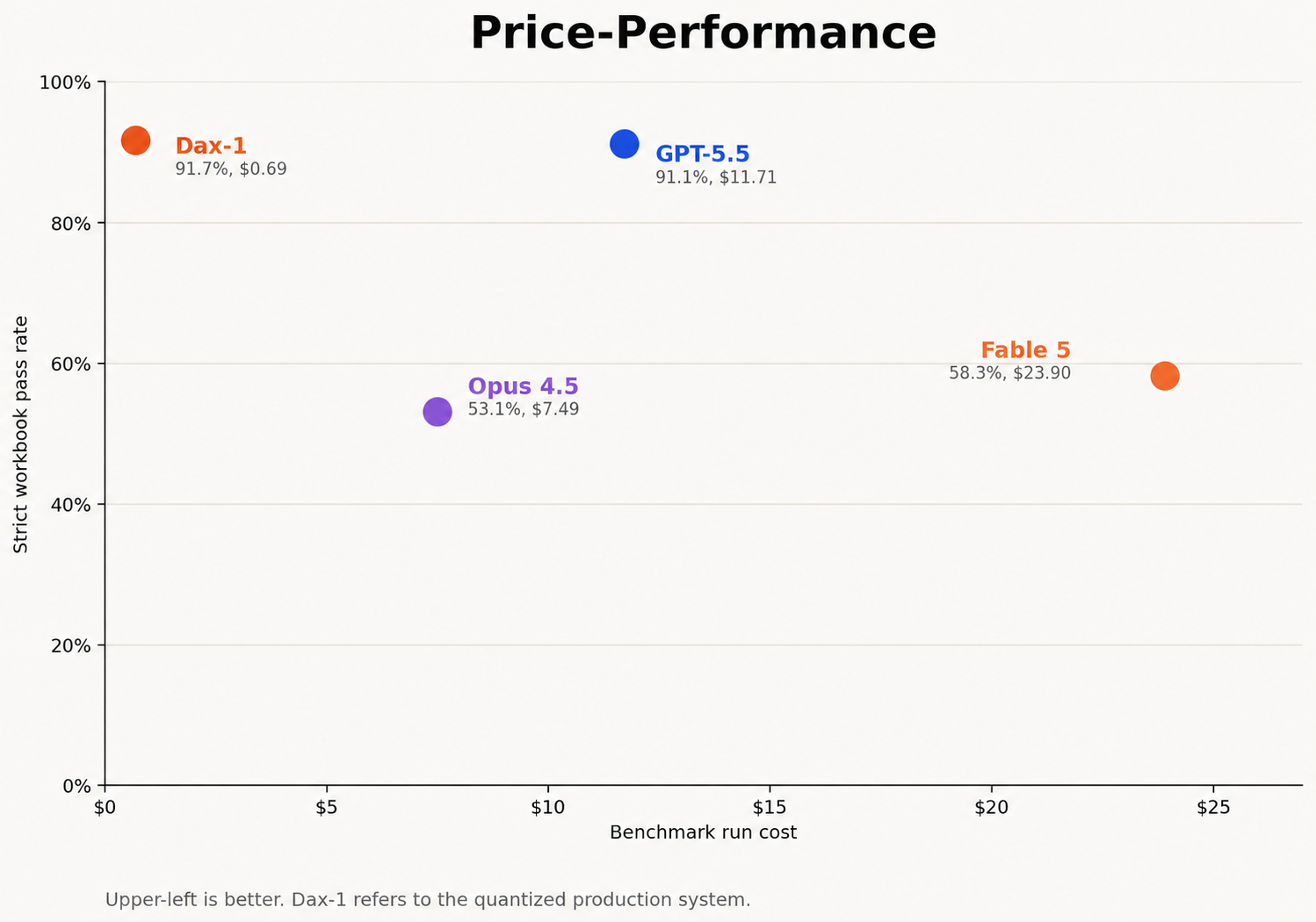
Purpose-built for deterministic spreadsheet editing: 91.7% strict workbook accuracy on our frozen benchmark.
Multi-tab work
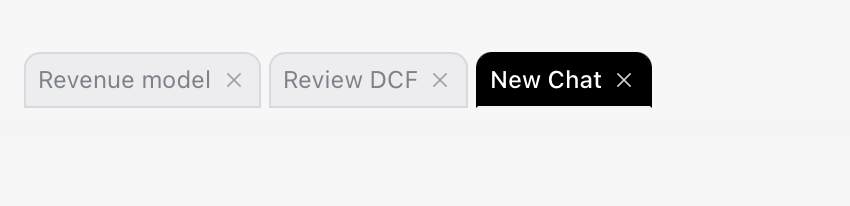
Run parallel tasks in separate tabs on the same workbook to compare results or audit another task.
Reusable skills

Save a workflow once, then run it again from any task when the same work comes around.
Memories
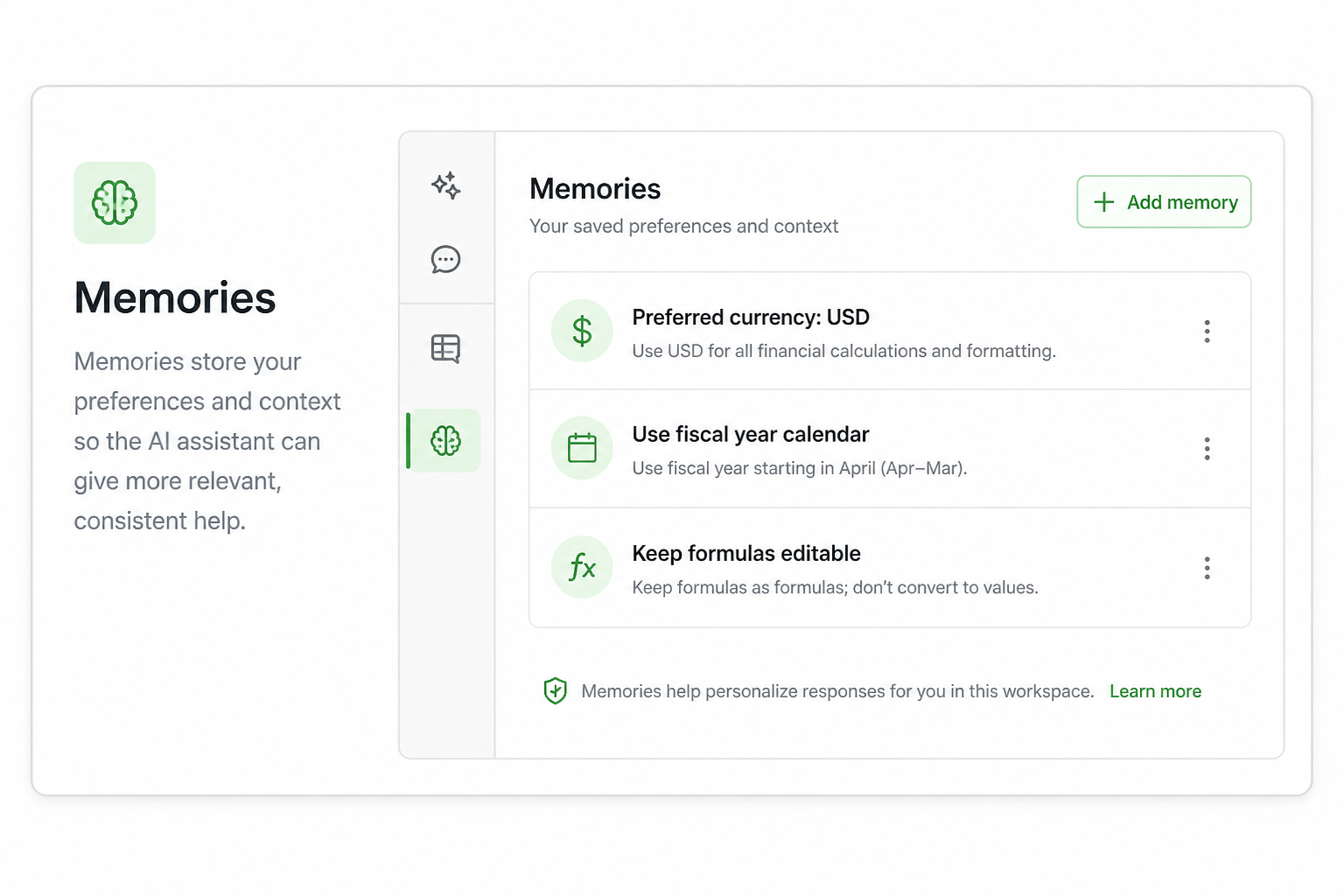
Save your preferences and working context so Decide can apply them to future tasks.
Workflow shortcuts
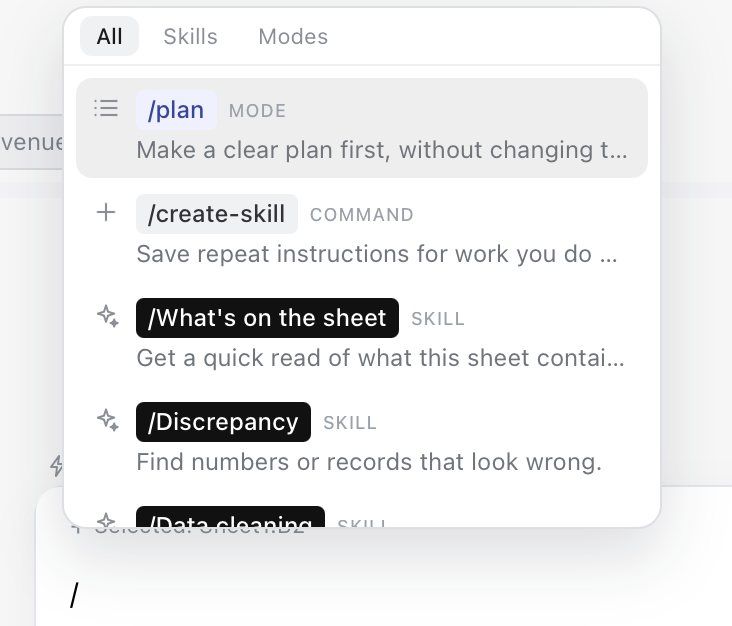
Turn repeatable requests into quick commands, like /format-as-report or /forecast-revenue.